Background
Before finalizing our Q2 2025 roadmap the PDE leadership (myself, CPO and VP Eng) realized we needed to start addressing AI ASAP. We had gotten the product to a point where adding AI could be helpful, rather than add clutter. And AI had advanced enough that we knew we could get quality outputs for our customers.
We all agreed we wanted AI to be meaningfully integrated into the product in a human centered way and not a bolt on solution.
Discovery Sprint
I proposed doing a discovery sprint called AI April to surface potential ways we could factor AI into our product. By the end of the day our CEO was fully on board with doing “AI April”.
I assigned a designer (Cez) who had expressed interest in designing for AI to lead the project. Together we identified several cross-disciplinary team members who were interested in AI to be part of the discovery process.
Cez designed a workshop designed to surface ideas from the team based on identified pain points and opportunity areas in the product.
Workshop
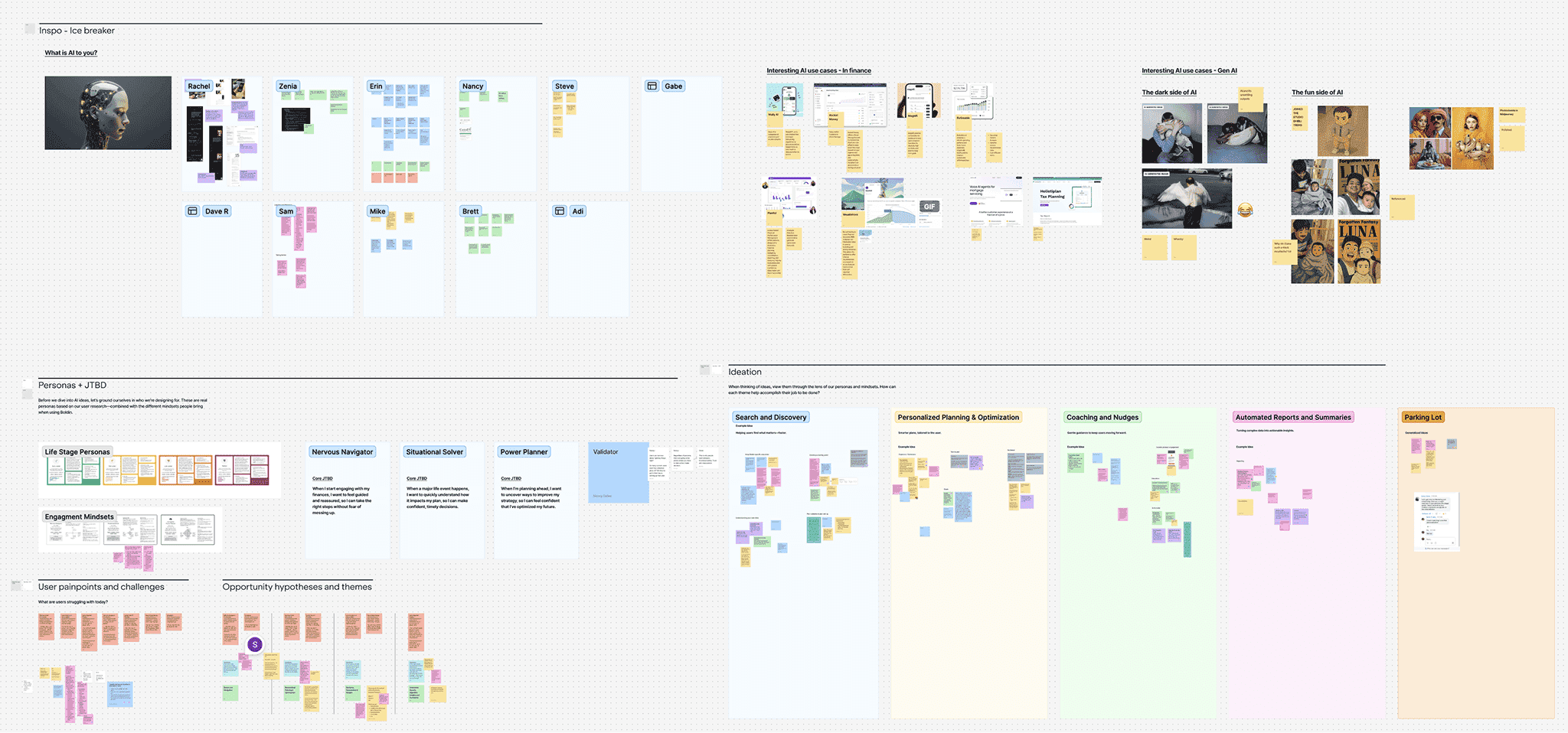
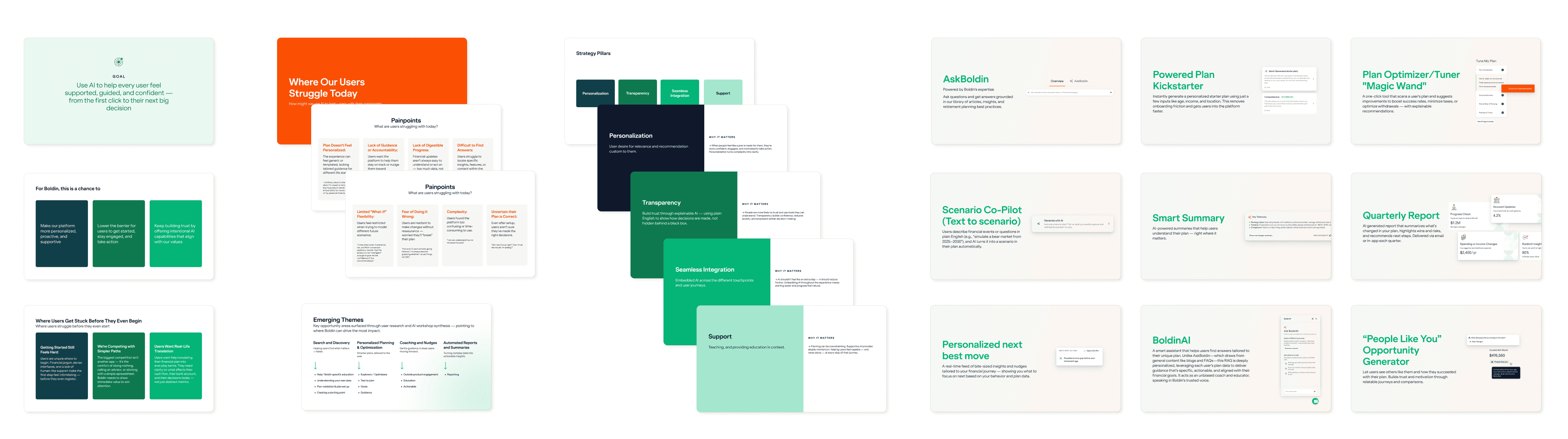
The output was a deck and prototype including 9 different AI ideas for our product with varying degrees of complexity.
AI Strategy Deck
Launching our first AI feature
In Q3, during our roadmapping exercise, the AI features were all considered roadmap candidates. The team selected the Smart Summaries concept to test first with AI.
What is Smart Summaries?
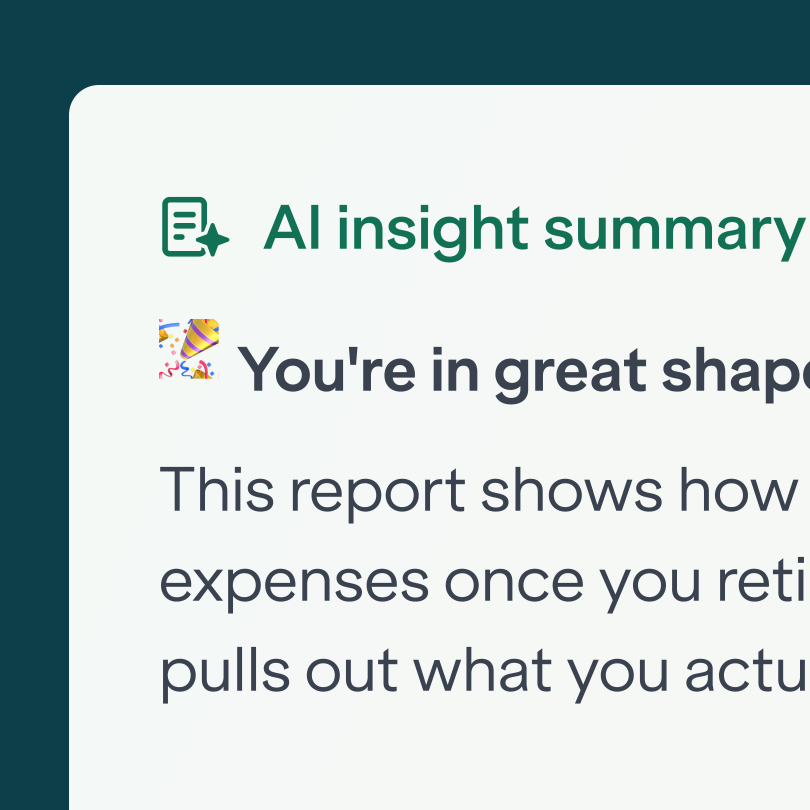
In testing, users loved our colorful charts—but couldn’t explain what they meant for their plan. Since plain-language chart explanations consistently performed well, we used AI to generate personalized, smarter summaries that translate visuals into clear guidance.
I worked with our design team to produce an easy to implement MVP of this feature for 5 of our insight pages.
We released the feature into our Beta program and 41% of our users engaged with the feature. But when we looked at the user feedback we saw that the output users were getting from the AI left them feeling a little underwhelmed.
“Lacks real insight. Simply stating data points. Offering no real insight or recommendations.”
“The summary stated the obvious; there was no value in it.”
“I love the new insights, but would like to see more detailed analysis of the plan from AI.”
“It’s a bit verbose… I’m looking for outliers etc which I think it is not so obvious. Otherwise great addition and promise.”
“Would love to see more information about the insights.”
“I think AI could be helpful to indicate risk areas and potential adjustment to mitigate such risk. For just reading a chart, AI is not useful.”
We wanted to do better.
AI Planner Assistant
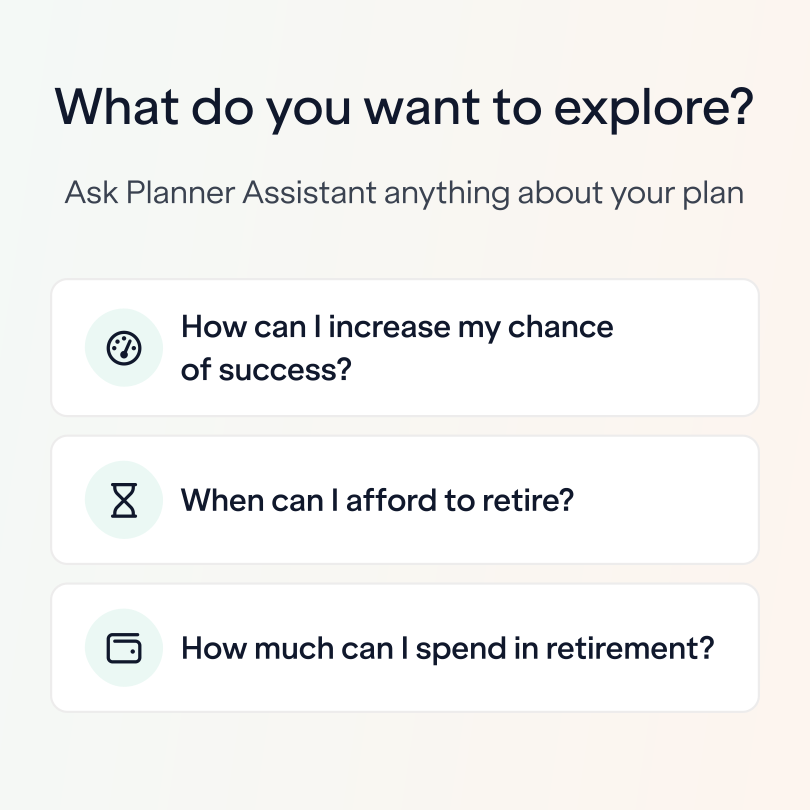
Rather than taking a step back, our team leaned into AI more. We saw the strong usage of this feature as a clear signal that this was something our users wanted. A couple of our engineers had done AI chatbot prototypes based on the data in a Boldin Plan. This was a strong foundation for us to begin folding this into our product.
One of our designers produced a set of quick designs for how an AI Planner Assistant could be added to our product. We showed the designs to a couple of customers for some quick feedback to make sure we were on the right path.
The team launched the feature quietly to our Beta audience. While the feature got used half as much as the Smart Summaries feature (likely due to a quieter beta launch), the feedback was much more positive. Our team continued to tune our prompts behind the scenes and make discreet UX improvements (like adding a way to access past conversations, starting a new conversation, and giving responses thumbs up or down).
Once the team has made some iterative improvements we quietly launched it again to our general audience.
Results coming soon