Background
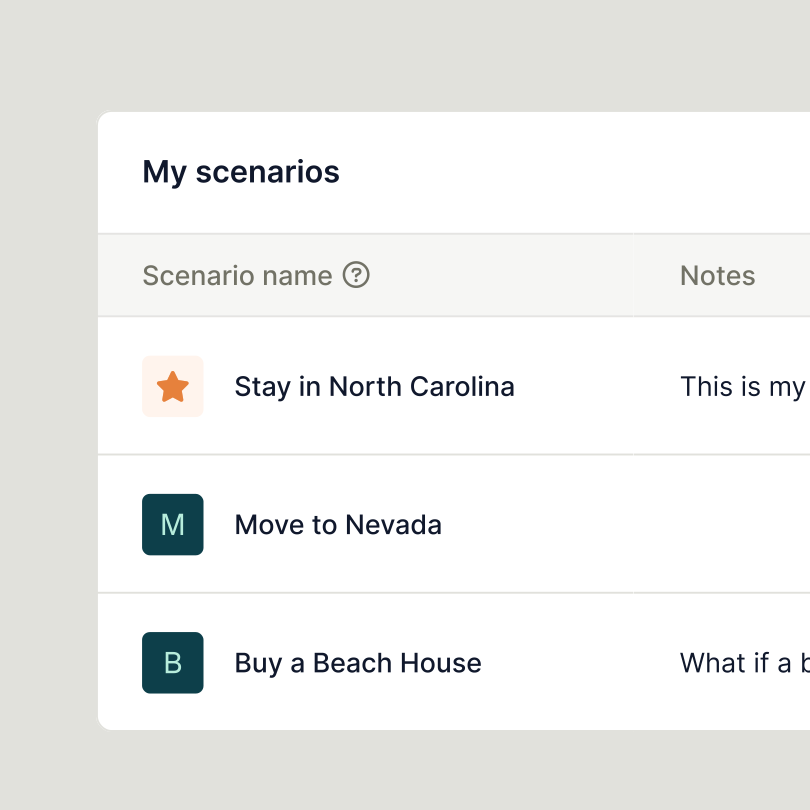
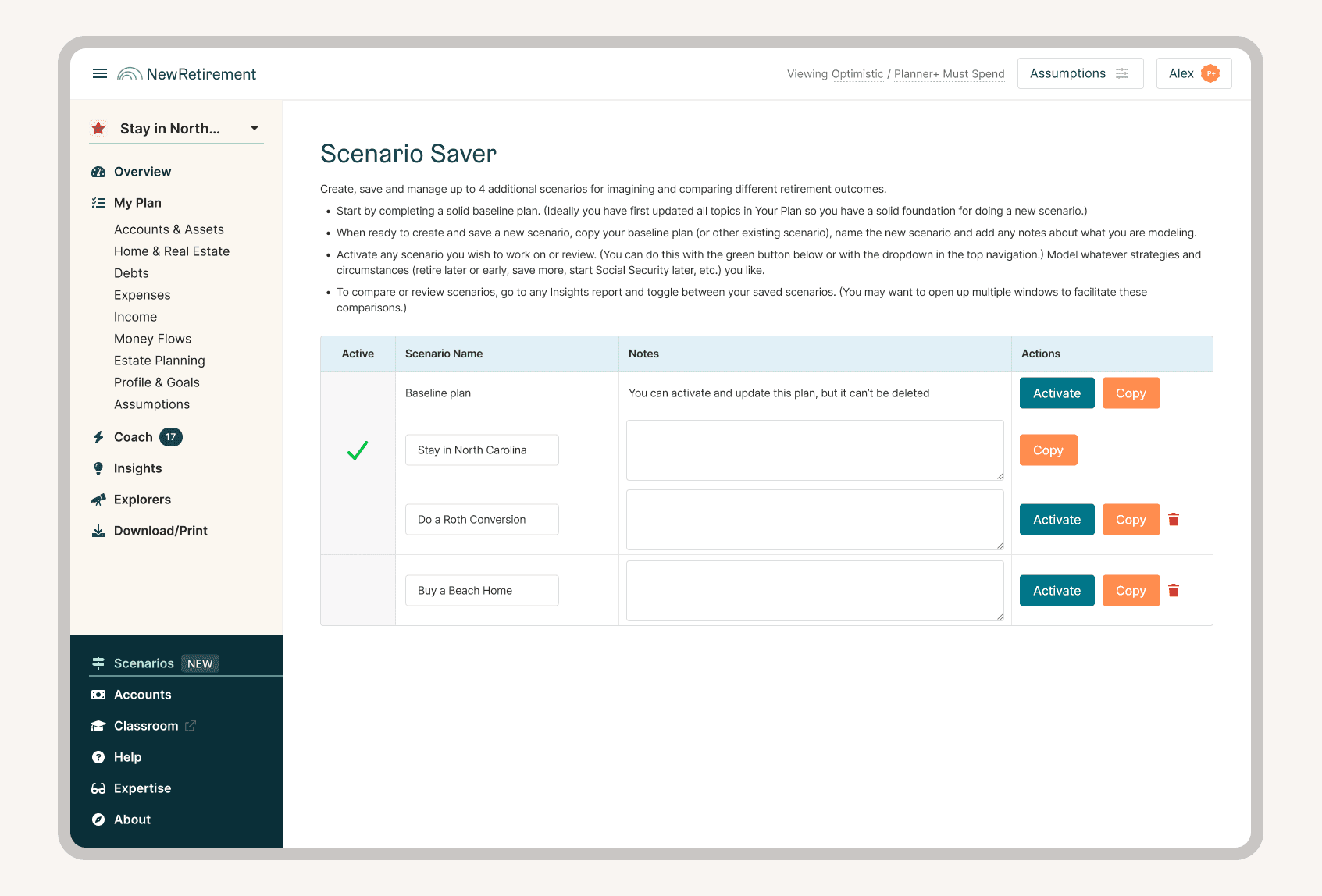
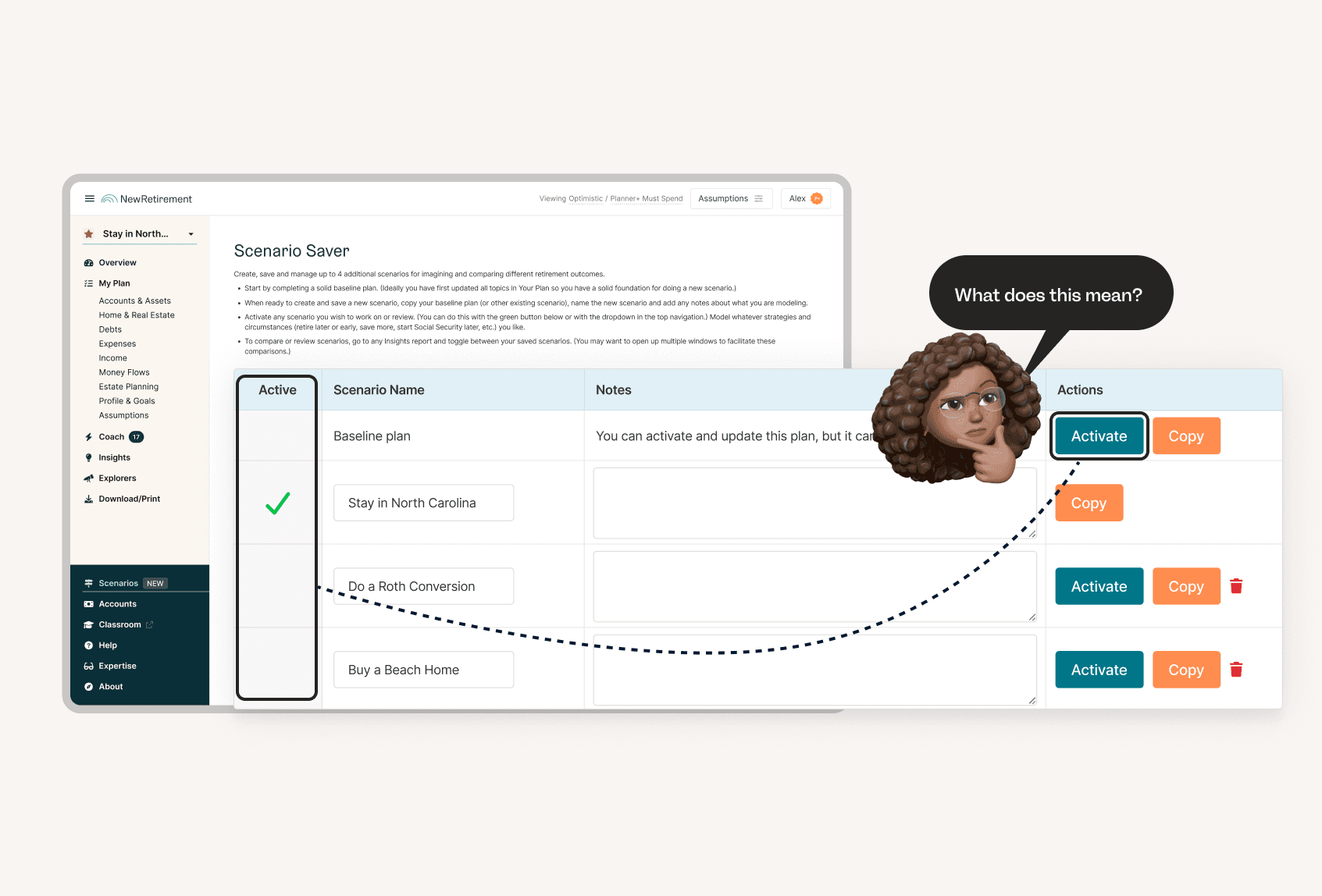
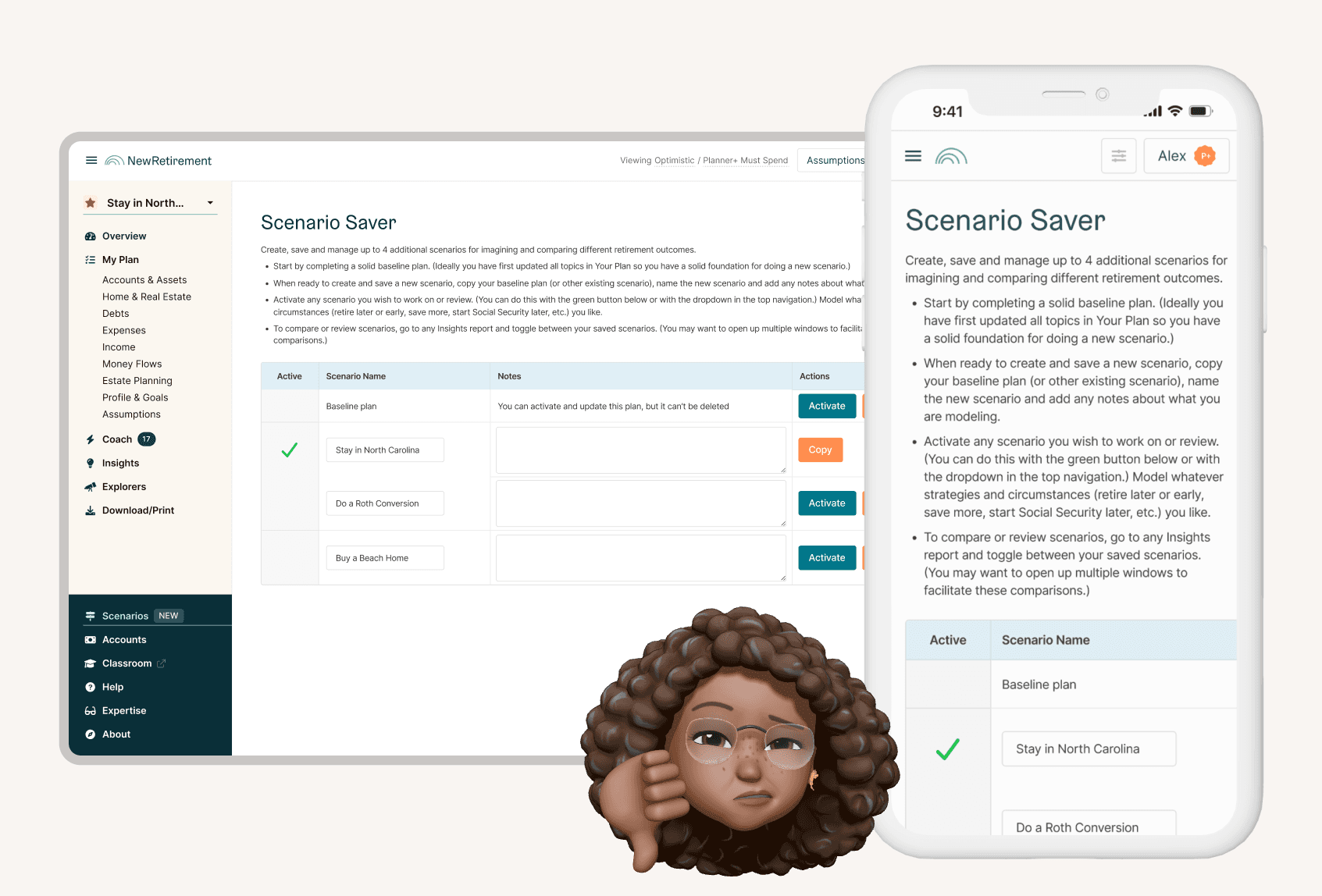
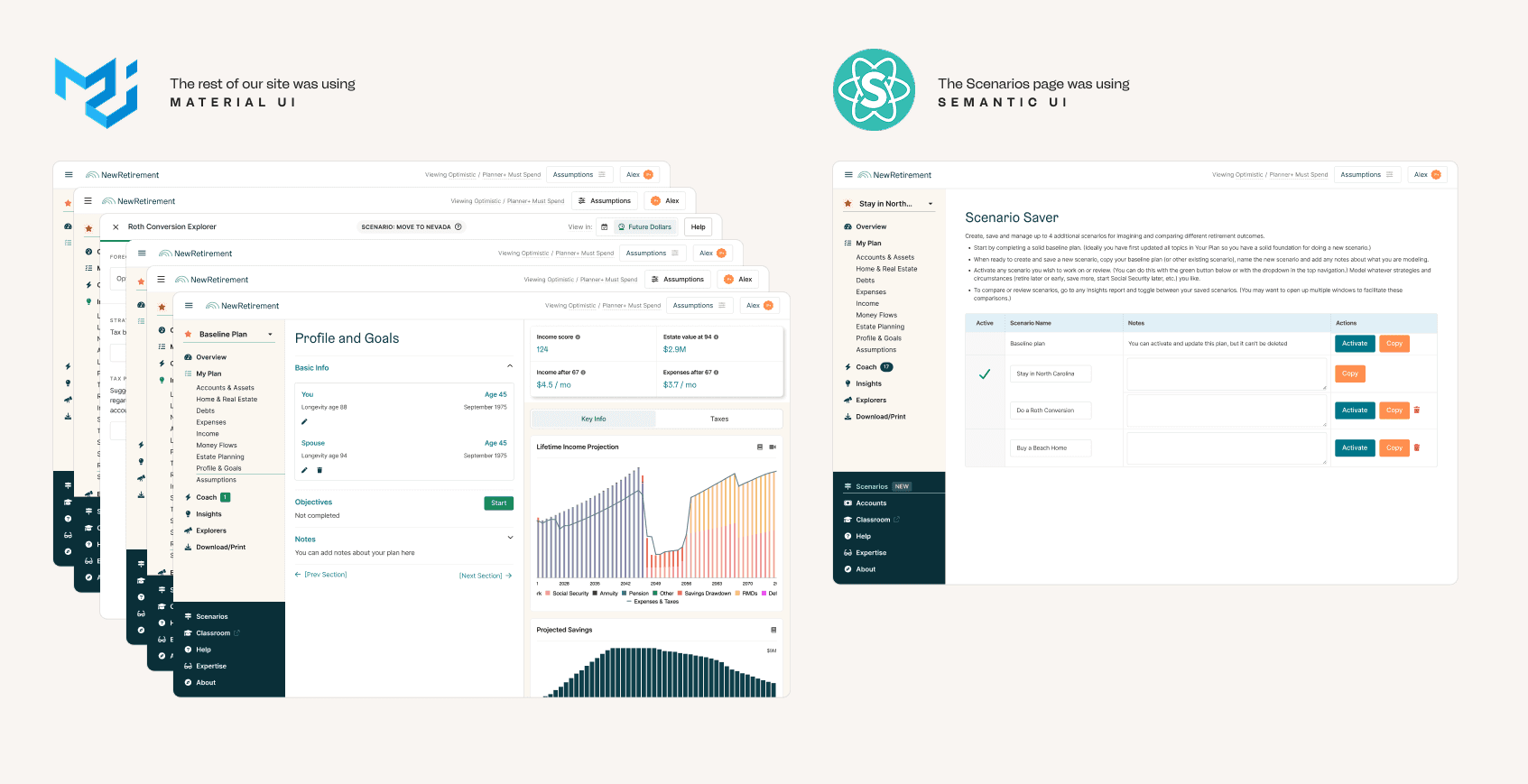
Creating scenarios was a top retention driving feature among customers who used it, however the page used to manage them was dated and difficult to use.
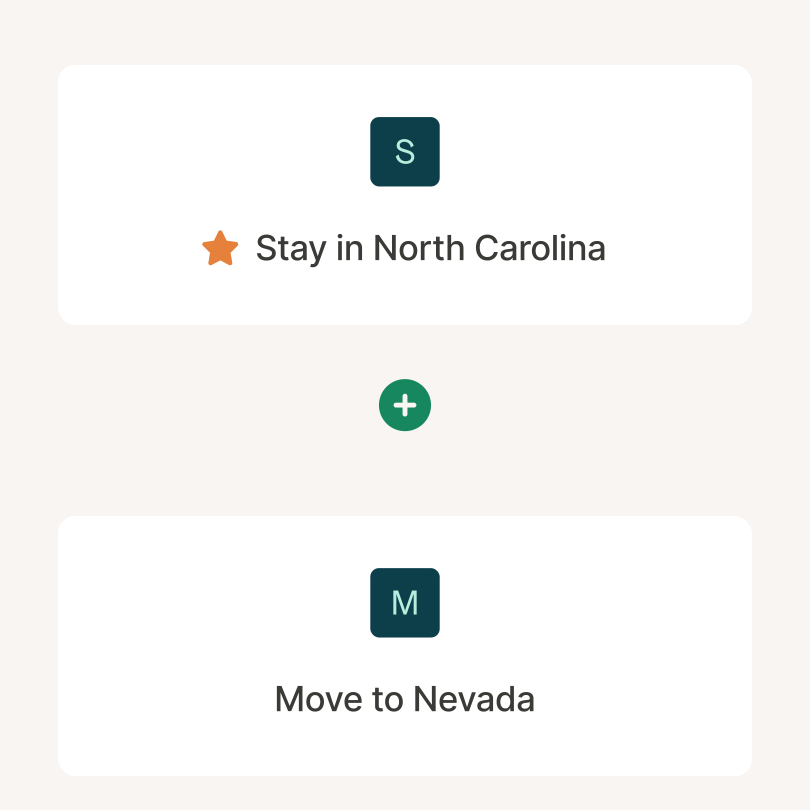
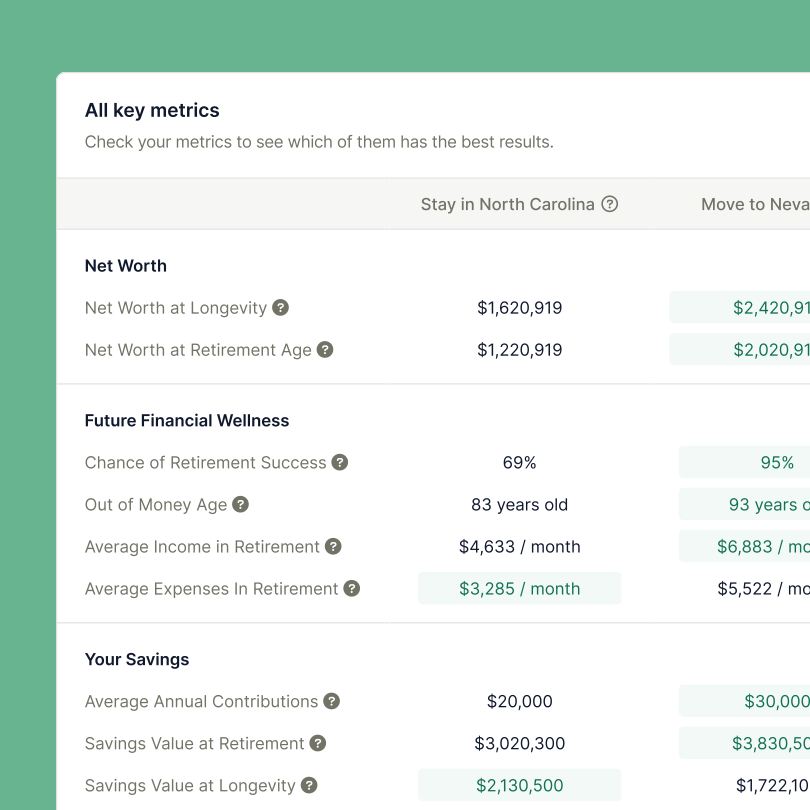
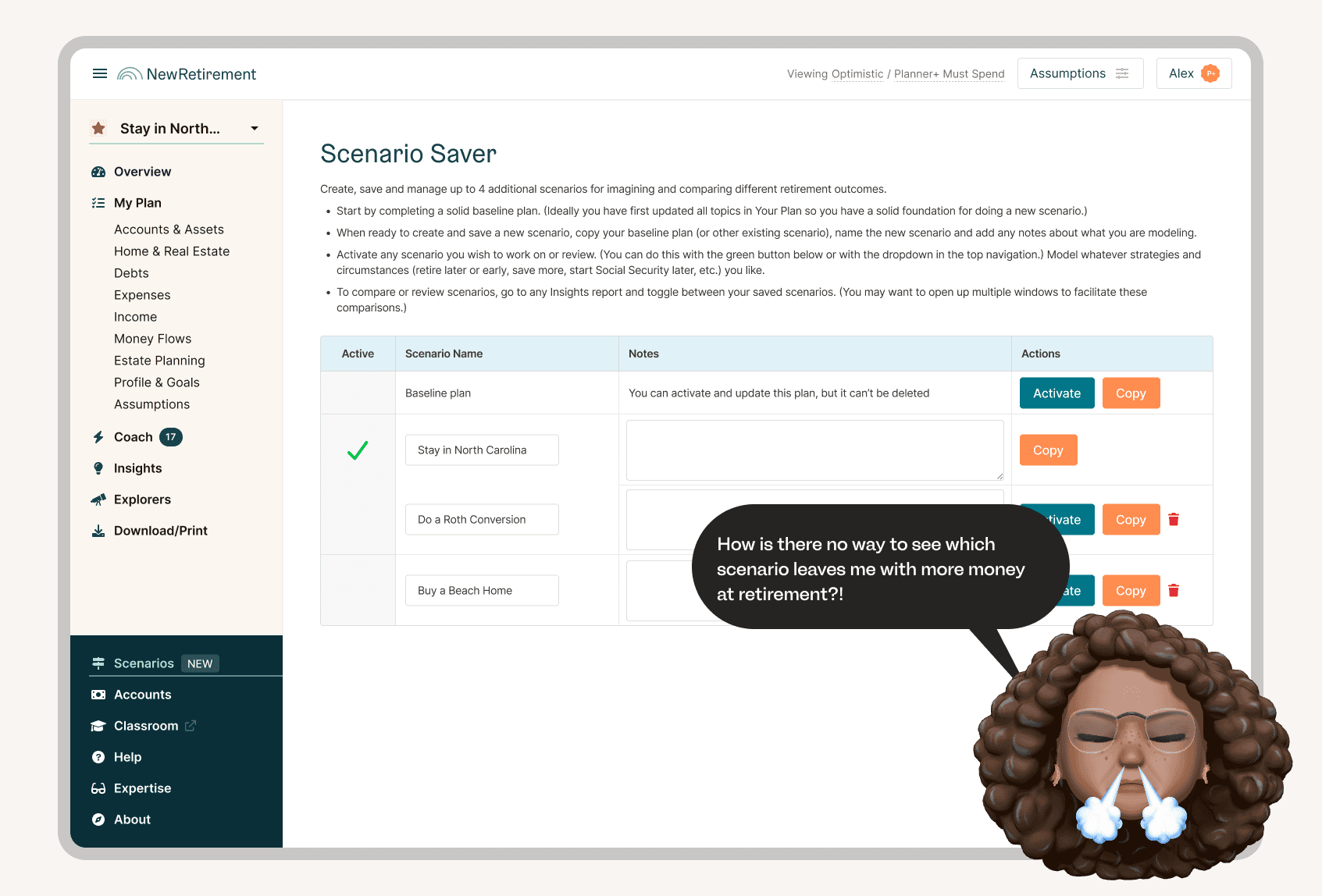
Additionally, there was no easy way to compare the results from two different scenarios, which kept scenarios from being as useful as they could be in driving meaningful financial decision making as they could.
Goals
We had 3 primary goals with this project:
Increase upgrade rate
We wanted more people upgrading to build scenarios. It's a key part of financial decision making, it should be a key upgrade driver.
Increase scenario usage
We wanted more people to create scenarios, because we knew if they did they'd be easier to retain.
Build user excitement
This was a feature our power users loved, we wanted them to know we were working toward improving their overall user experience.
Approach
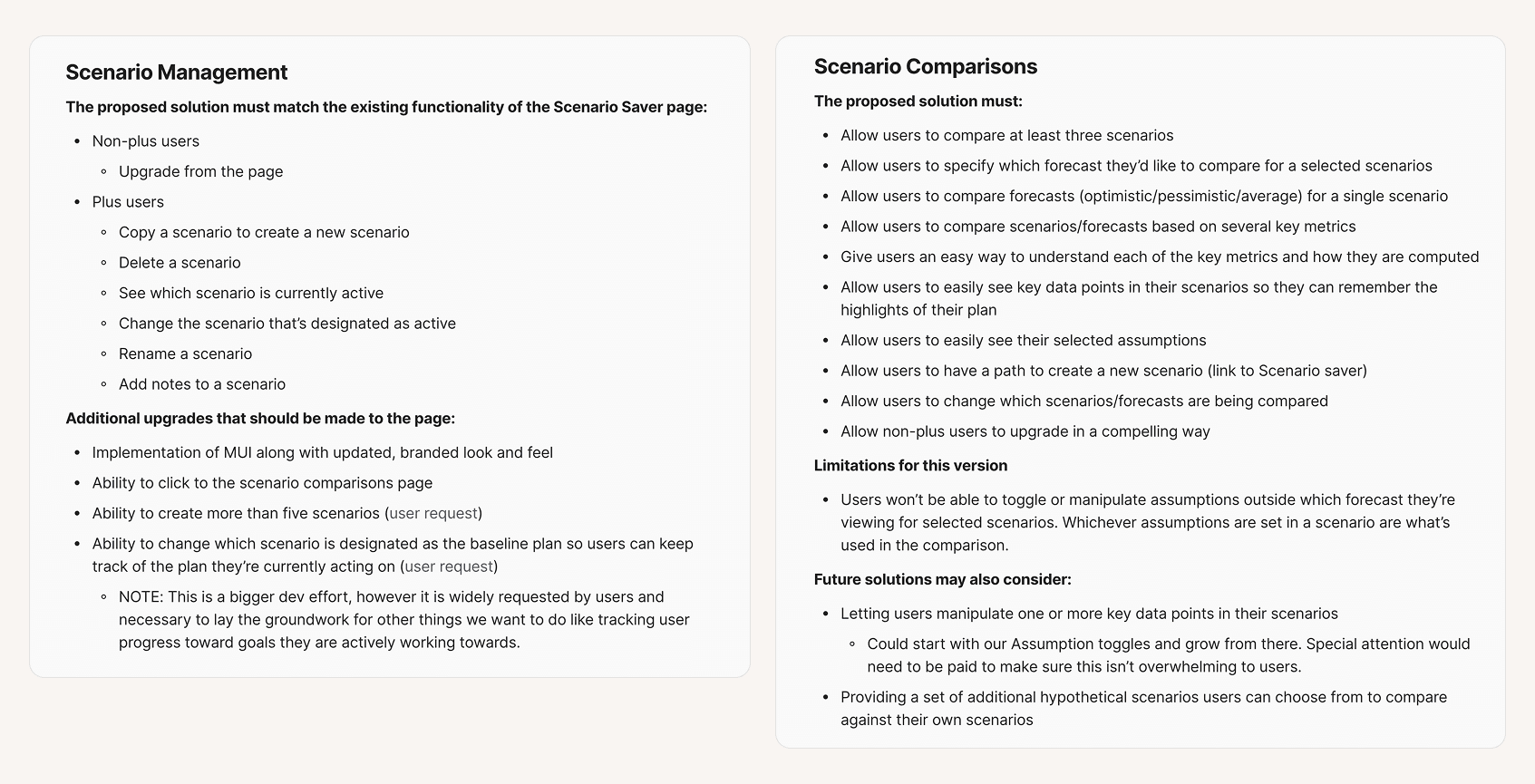
At this point, we didn’t have a product manager on our team, so most product work fell to design. I worked to outline the requirements for the project so that the stakeholders and team were aligned before starting design.
Once the team agreed on the requirements for the project, I worked with our Senior Designer to begin designing.
Requirements
Exploration work
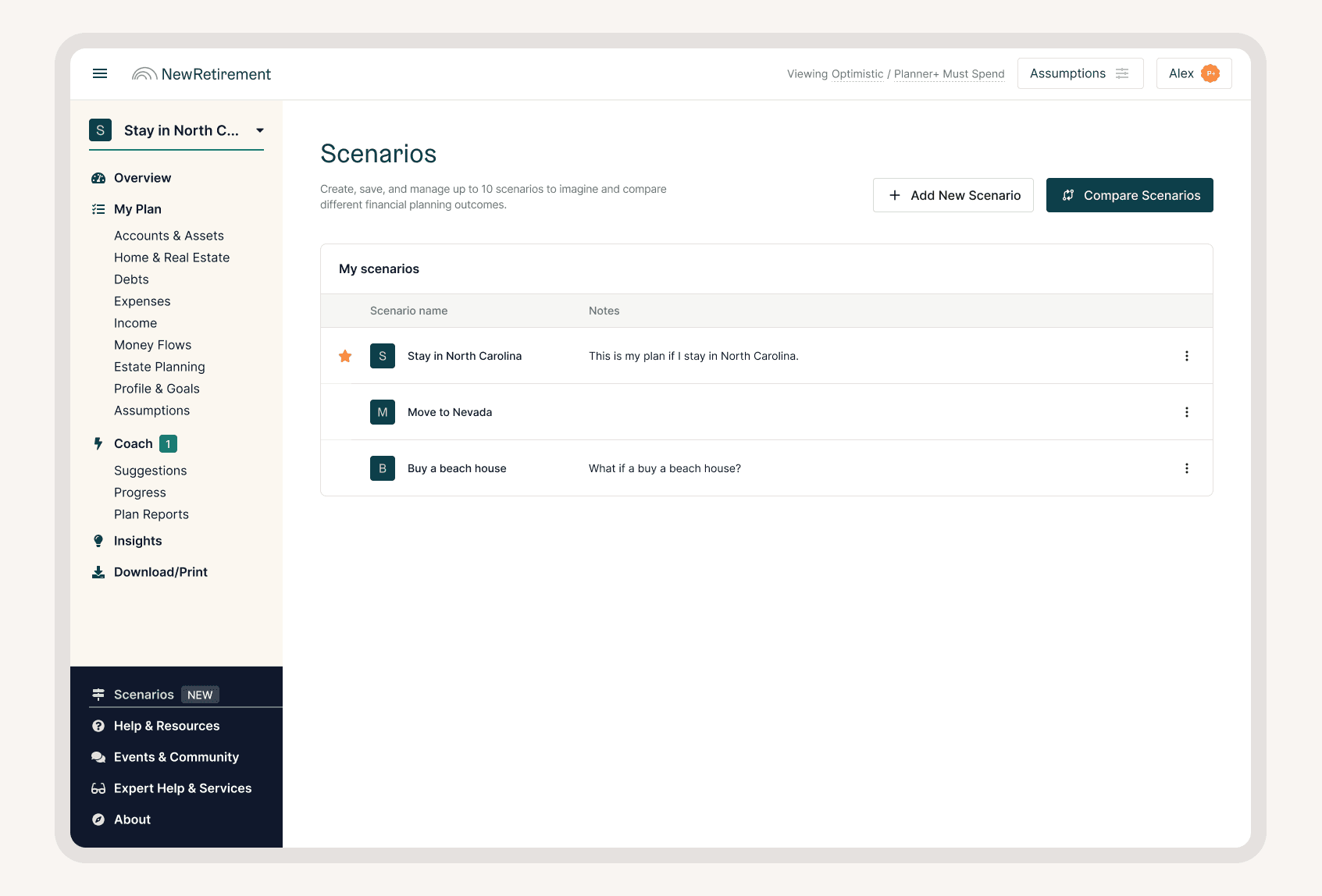
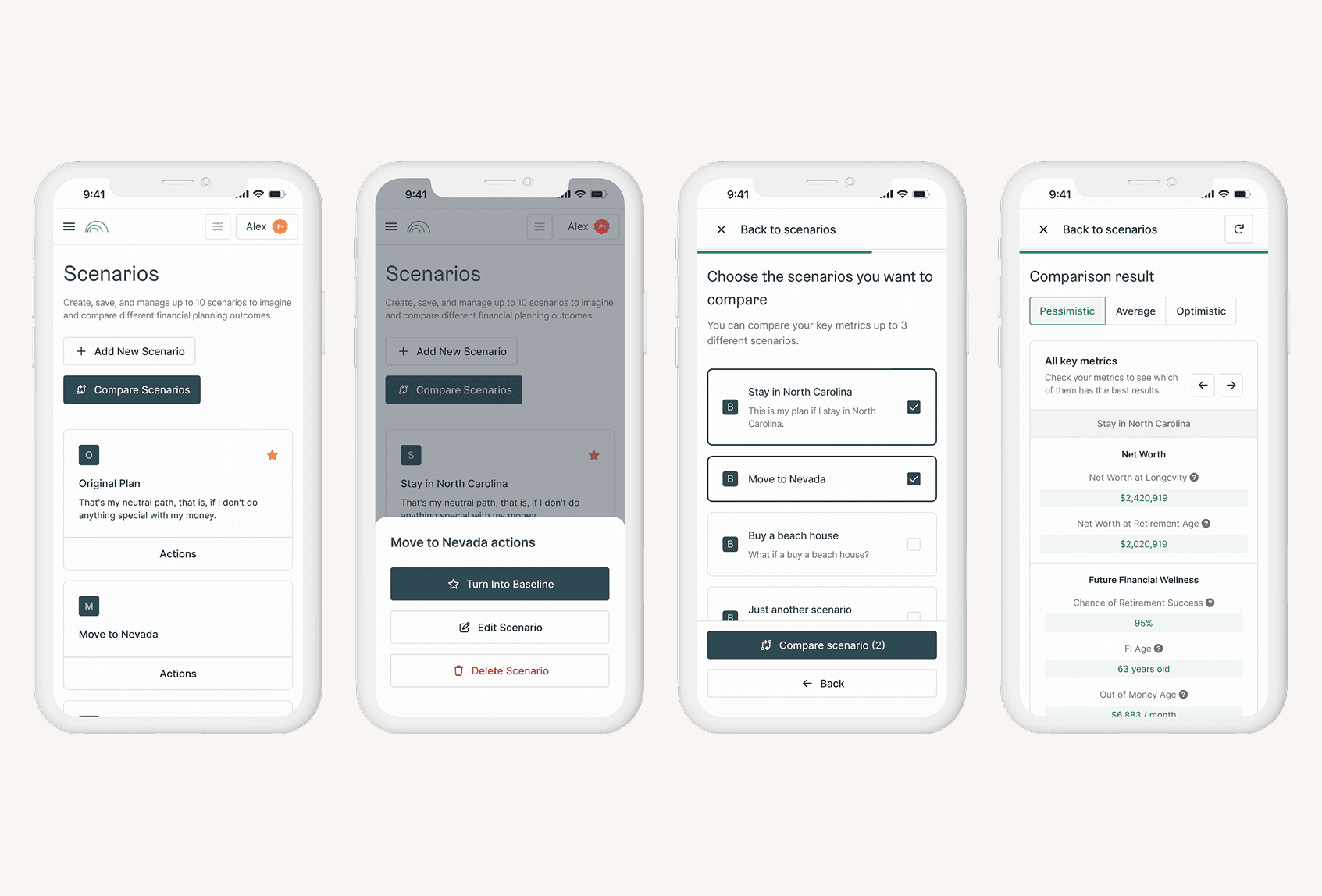
We explored several different ways to display scenarios and enable comparisons from the scenarios page.

In the end we opted to use the table pattern that was familiar to users, and have users explicitly enter into comparison mode.
Scenario Table Format
User Testing
Because this was critical functionality, we wanted to ensure we were truly improving the UX. I designed a user test that determined if users could complete 5 key tasks:
Add a scenario
Edit a scenario
Compare scenarios
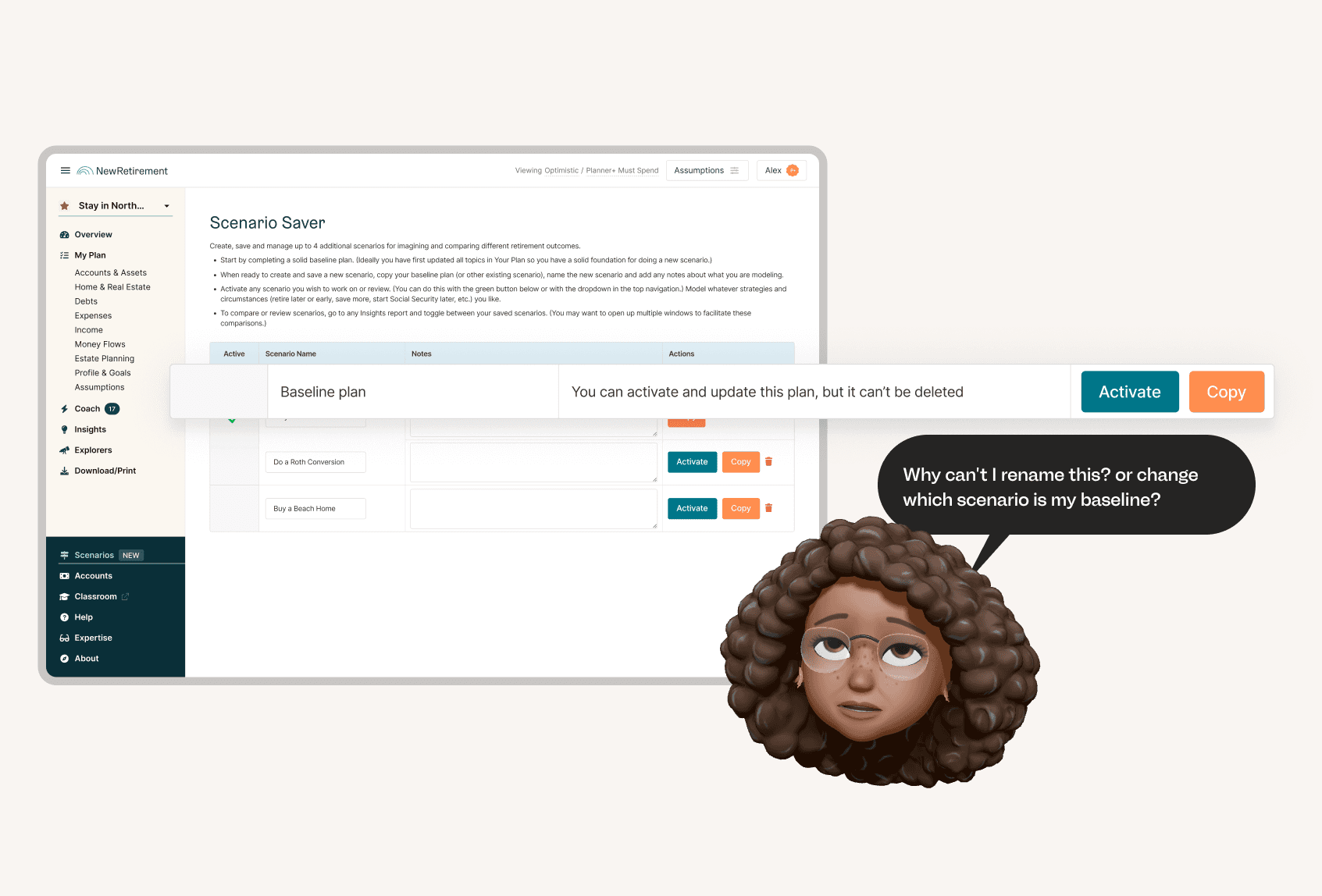
Change baseline plan
Navigate to a scenario
Overall, the testing went well and we made some discoveries that helped us fine tune our experience design.
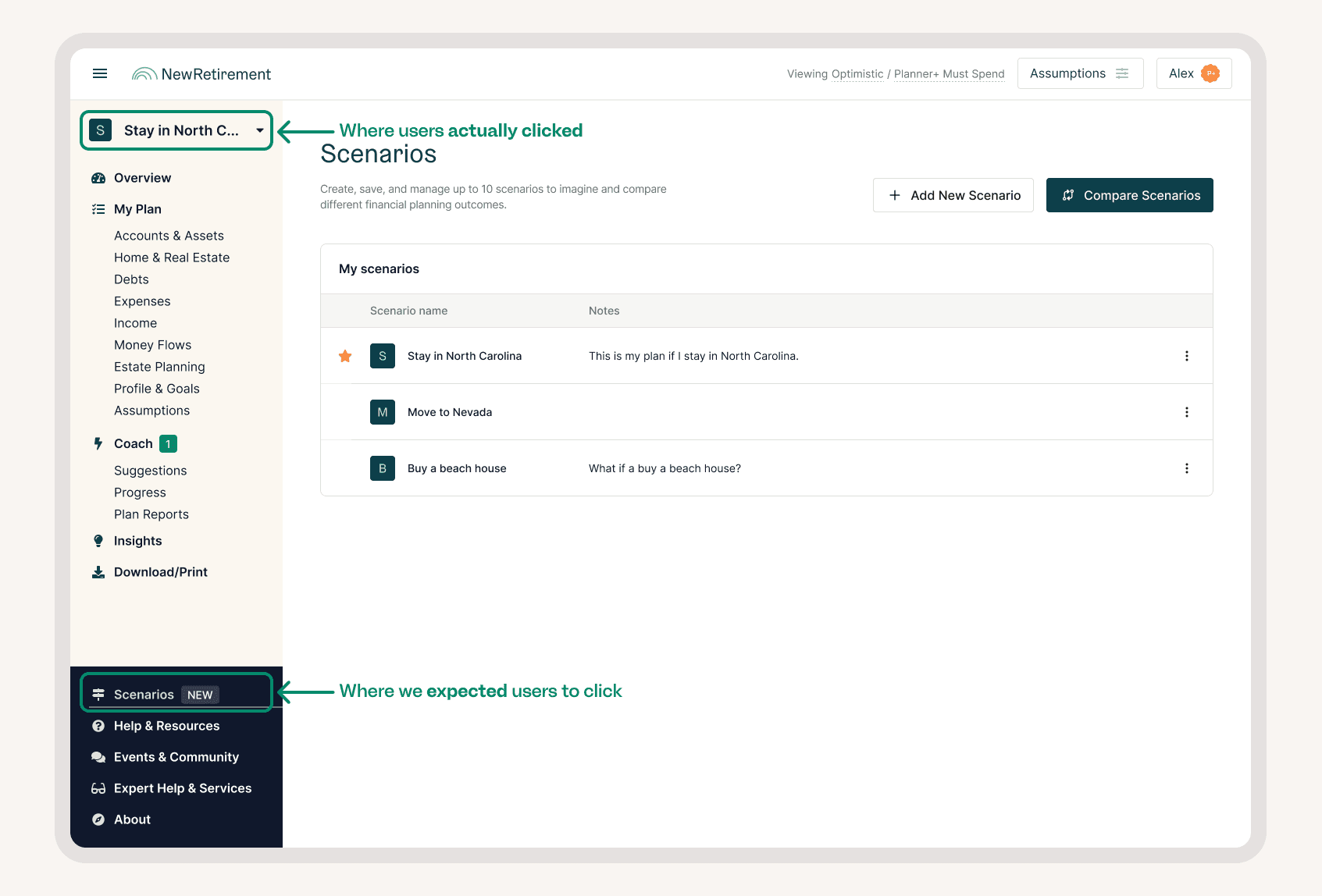
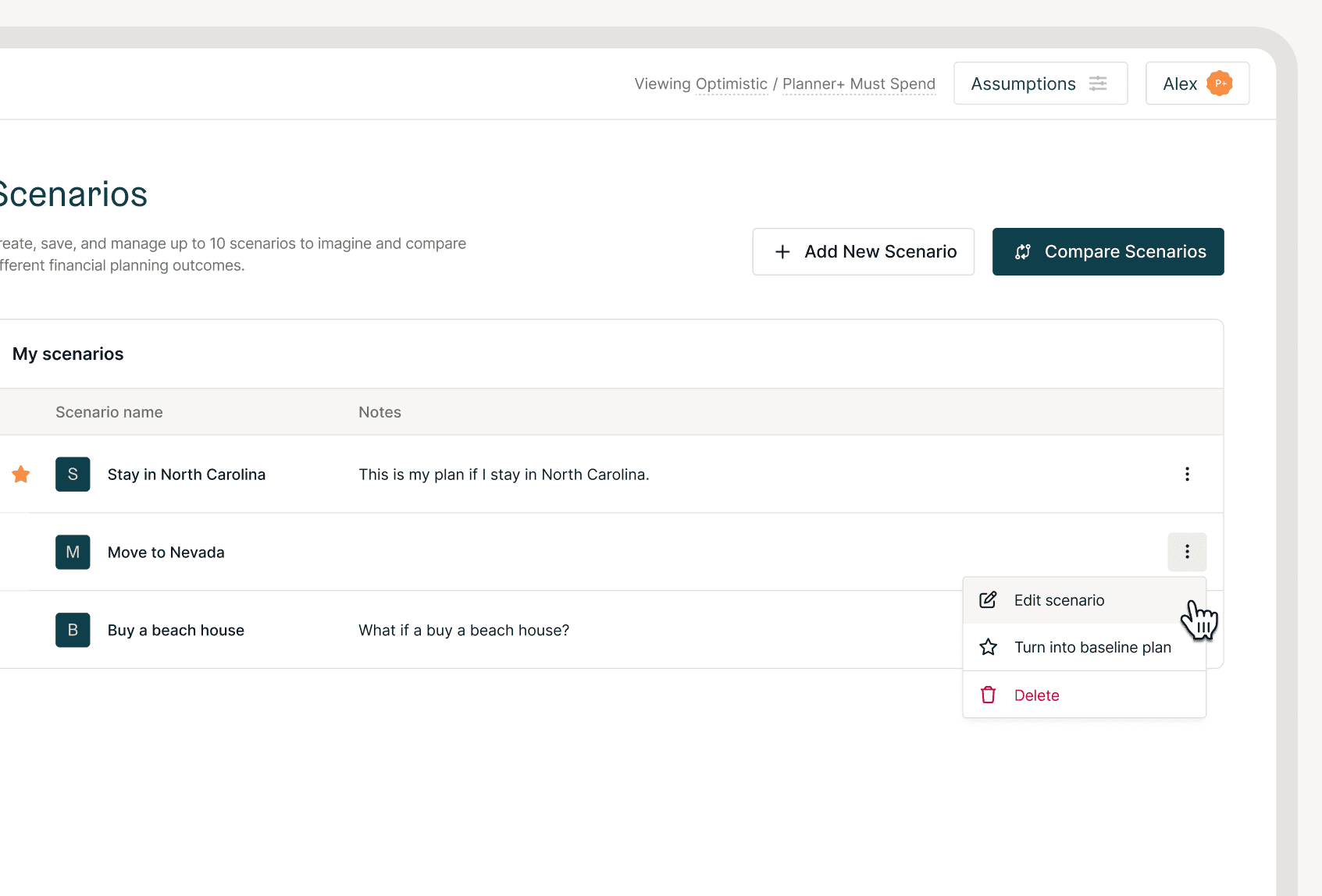
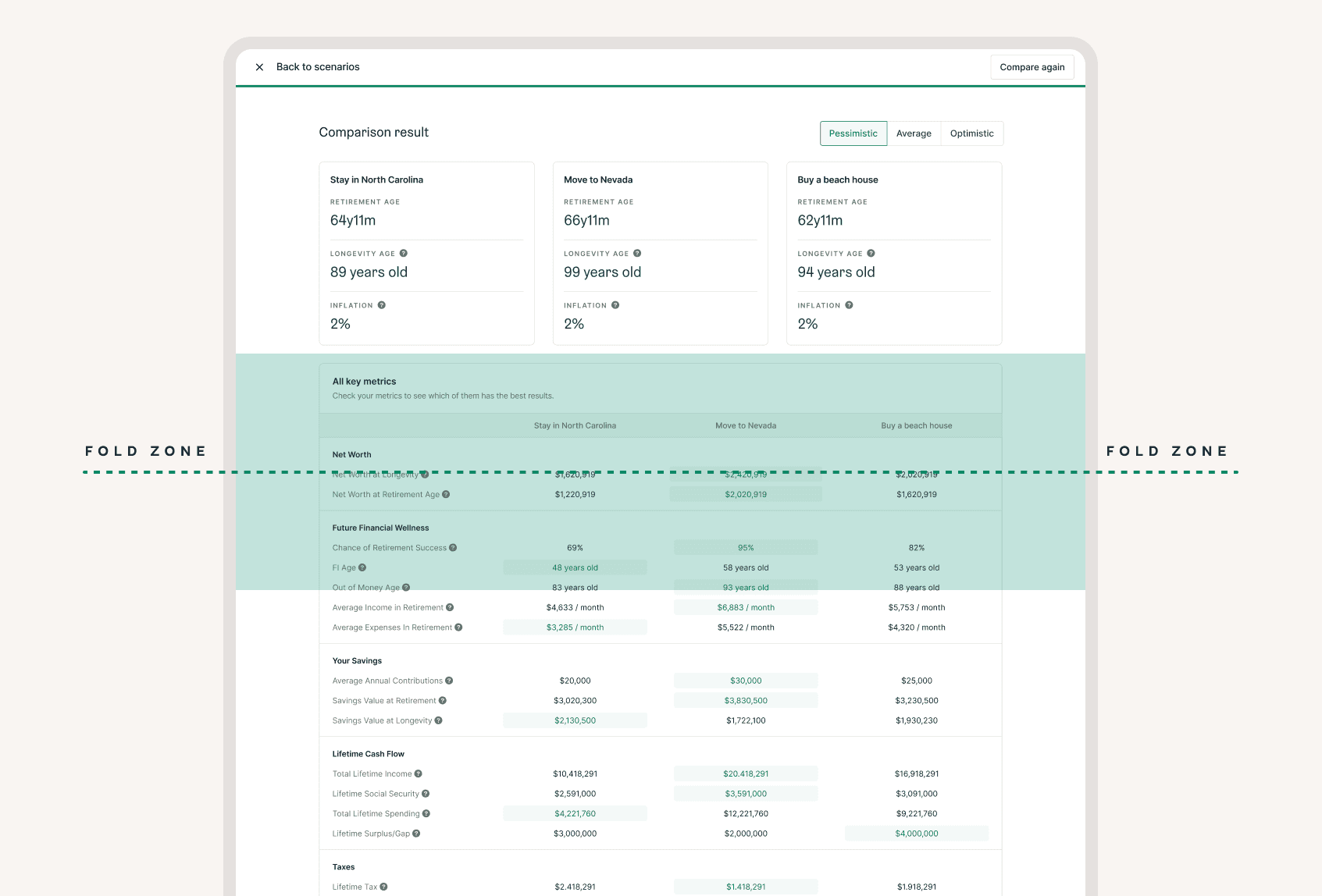
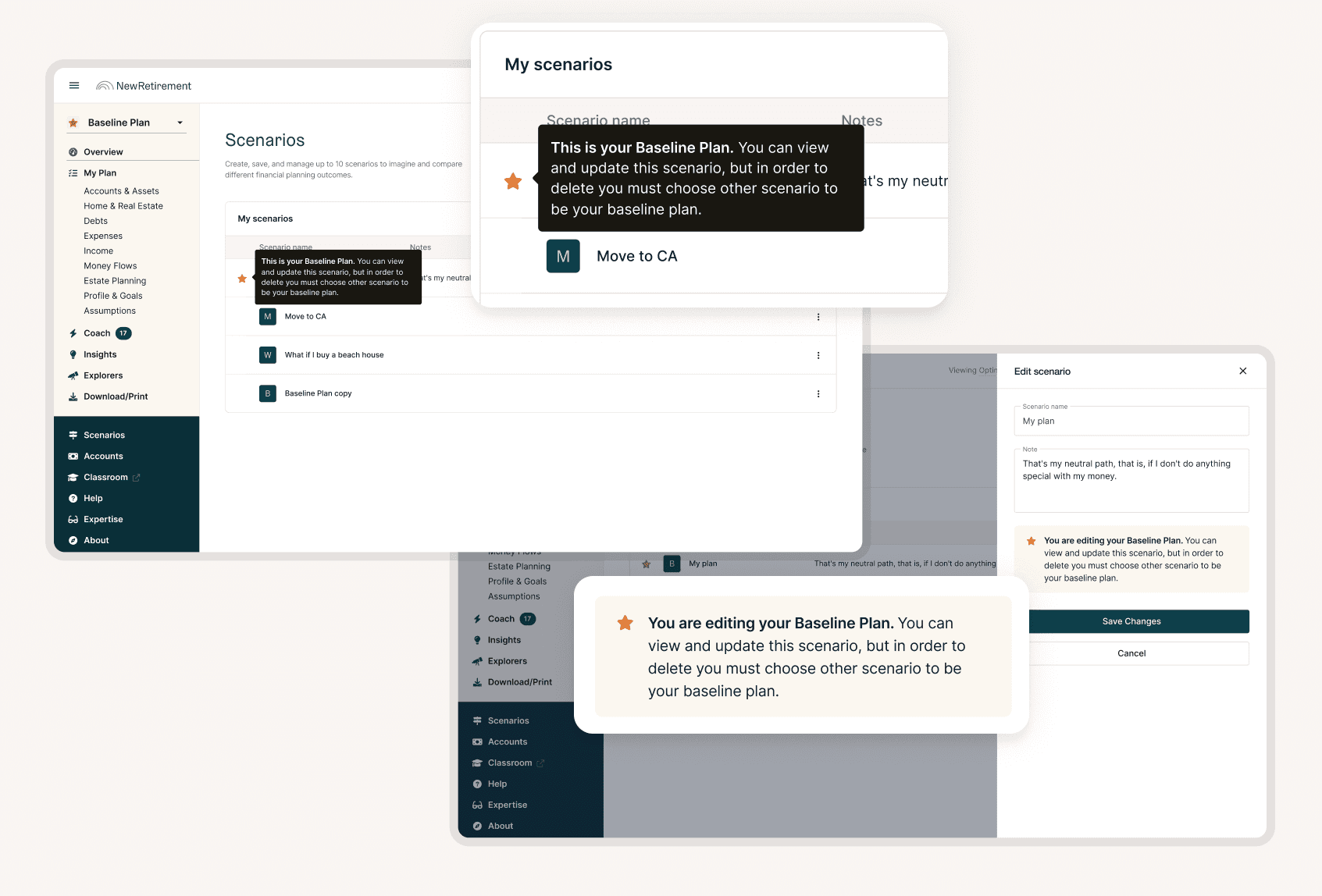
We made changes to the design based on what we learned, the next iteration tested much better so we moved to finalizing the design for development.
Final Design
Impact
Overall we achieved our goals and the team was happy with the results:
Upgrade Rate
20x
increase in upgrades from the scenario feature
+5.19pp; .26% → 5.45%
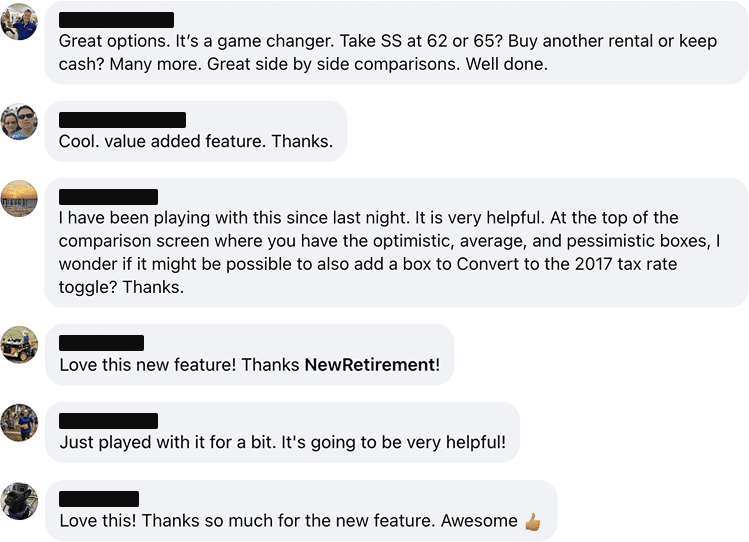
The change was really well received by our current customers too.
Additional Iterations
Because this was a widely used, impactful feature we continued iterating. Key updates include:
Summary of Changes
We added the ability for users to see the differences between their inputs in their scenarios compared to their baseline plan. This was a widely requested feature, and when we released it our user base was ecstatic.
Scenario row edits
Based on feedback after the initial launch we added one more button that enabled users to easily navigate to their scenario of choice from the scenarios page. This change was made based on input from our amazing customer support team flagged that they had gotten a couple questions about how to do this. Proof that user testing doesn’t catch everything.
We also regressed back to the kebab menu as we added more options. We found this didn’t impact usability too negatively and reduced overwhelm on the page.
Scenario switcher menu
After seeing how many people used the scenario dropdown in the left nav, we elected to move the scenario options to be front and center. This made the scenario name much more prominent and emphasized one of our key pieces of functionality.